
Restaurant back office · built in Lebanon
Know what every dish really costs. Run the whole place from one screen.
Sofra turns your menu, supplier invoices, POS sales and team hours into one clear picture: food cost, labour, margin, and what to order tomorrow. In Arabic and English, in LBP and USD.
- Recipe cost and margin for every item
- Scan an invoice, prices update themselves
- QR menu and ordering at the table
- Staff clock in with a QR by the door
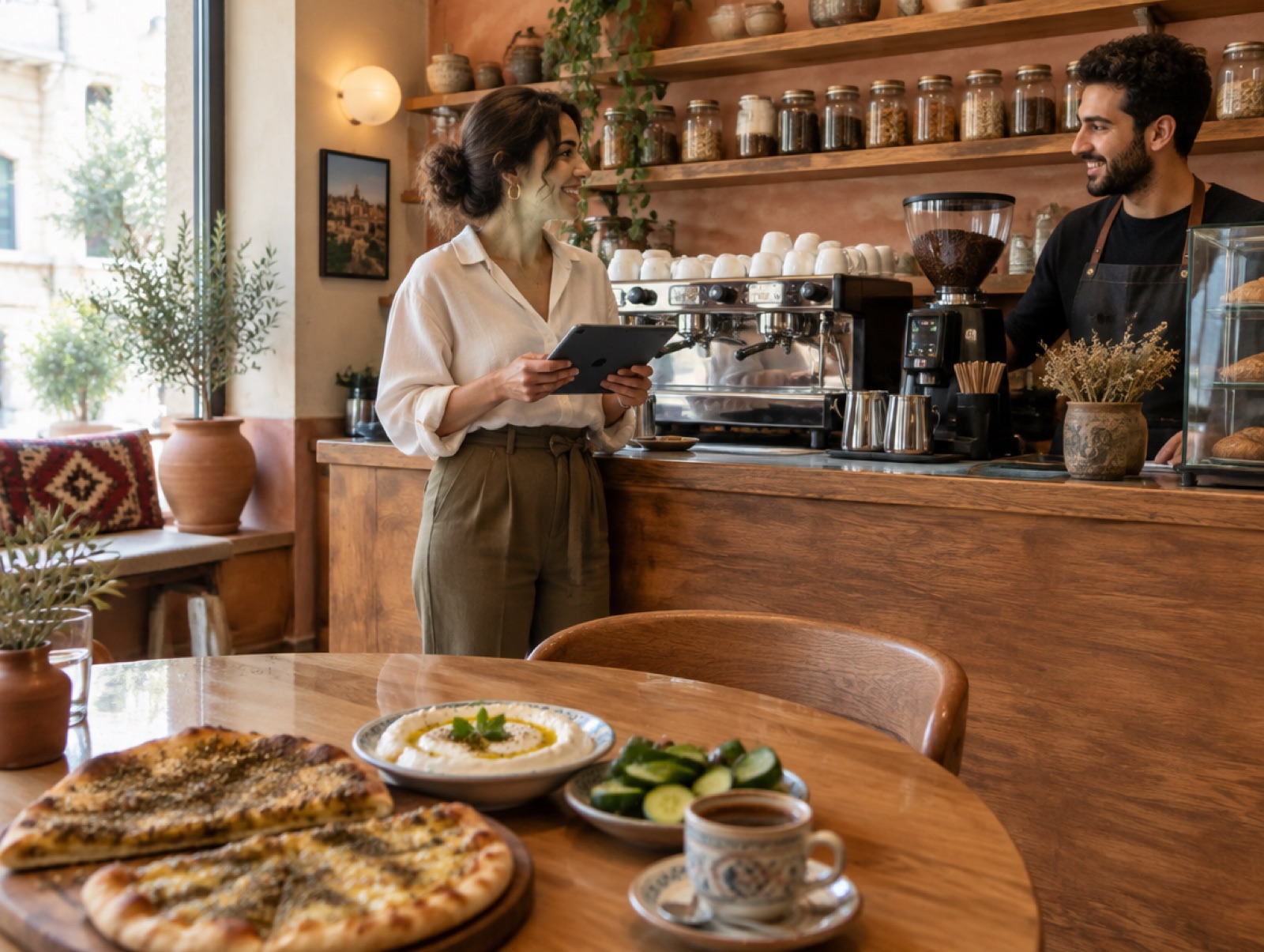
Food cost this month
31.4%
Target 30% · 2 items to fix
Prices moved. Did your menu?
Supplier prices change weekly. Sofra recosts every recipe the moment an invoice is logged, so you see which dishes stopped making money.
Sales are in the POS. Costs are everywhere else.
Upload the daily POS export and Sofra matches every item sold to its recipe: theoretical food cost, top sellers, and what is missing a recipe.
The team is on WhatsApp. The numbers aren't.
Waste, invoices, attendance and table orders all land in one place your accountant and your manager can both read.
Everything a café or restaurant runs on
Built for how a Lebanese kitchen actually works
No accounting degree needed. Each module takes minutes a day, and they all feed the same numbers.
Menu & recipe costing
Ingredients with pack prices and yield, recipes per portion, food-cost % and suggested prices against your target.
Invoices that update prices
Photograph a supplier invoice. Sofra reads it, logs the purchase, and pushes new prices into every recipe.
Inventory, waste & par levels
Count on the phone, log waste in seconds, and get a shopping list of everything below par.
POS sales import
Drop the daily export from Omega or any POS. Daily sales, item sales, and unmatched items you can fix in one click.
QR ordering at the table
A photo menu in Arabic and English with options and prices in LBP and USD. Orders appear on a board at reception.
QR time clock
One poster by the door. Staff tap their name and PIN to clock in and out. Hours and pay per person, automatically.
Arabic + English, LBP + USD
Every screen, every report and the guest menu in both languages, with your exchange rate applied everywhere.
Ask your restaurant anything
Connect Claude and ask: how are we doing this month, what should I order, log 2 kg of waste. It answers from your live data.
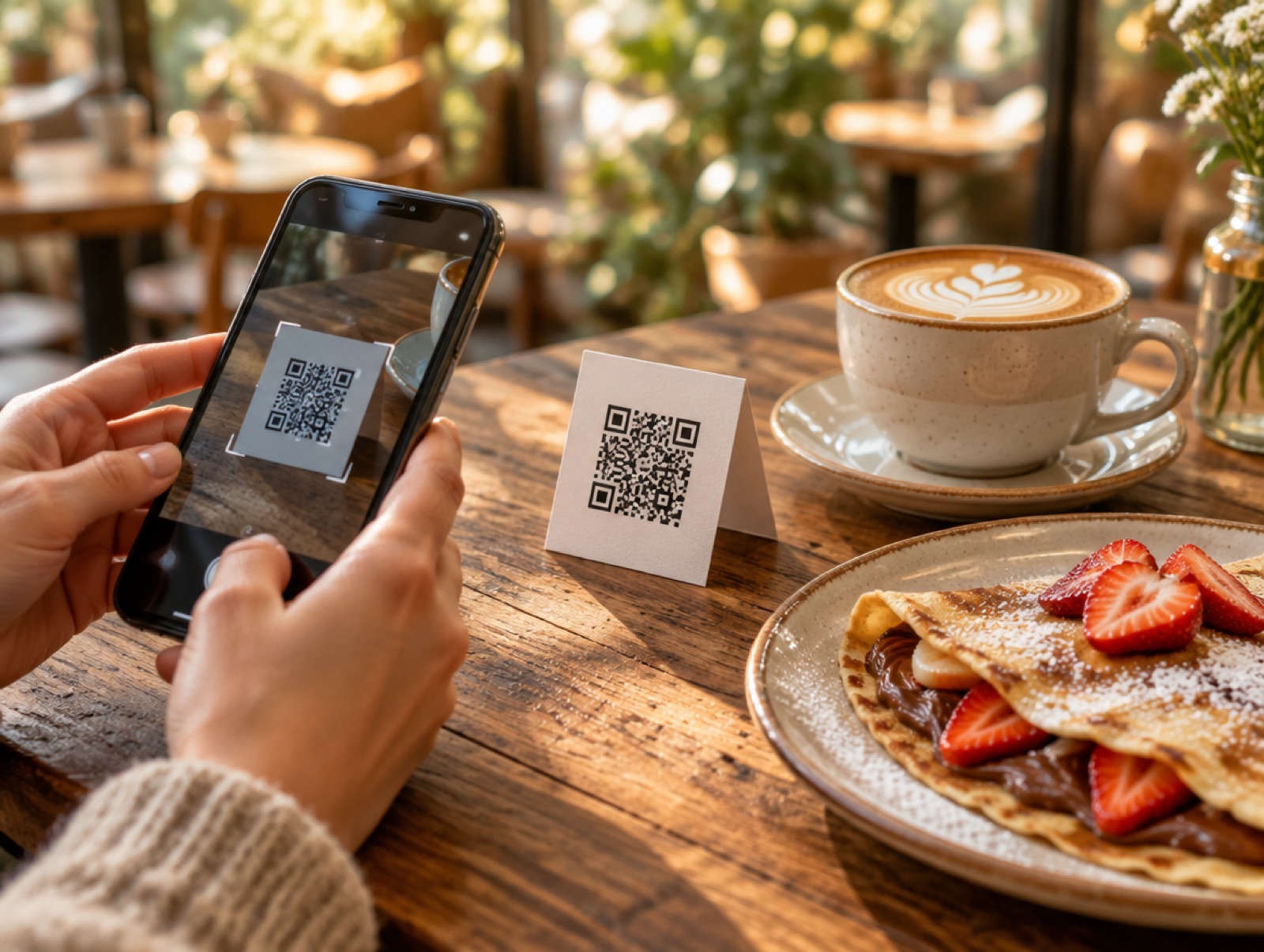
For your guests
Scan, browse, order. No app, no waiter chasing.
Each table gets its own QR. Guests see photos, descriptions and options in their language, and send the order straight to the kitchen board.
- Photos, sizes and extras, sold-out handled live
- Prices shown in LBP and USD at your rate
- Live order status on the guest's phone
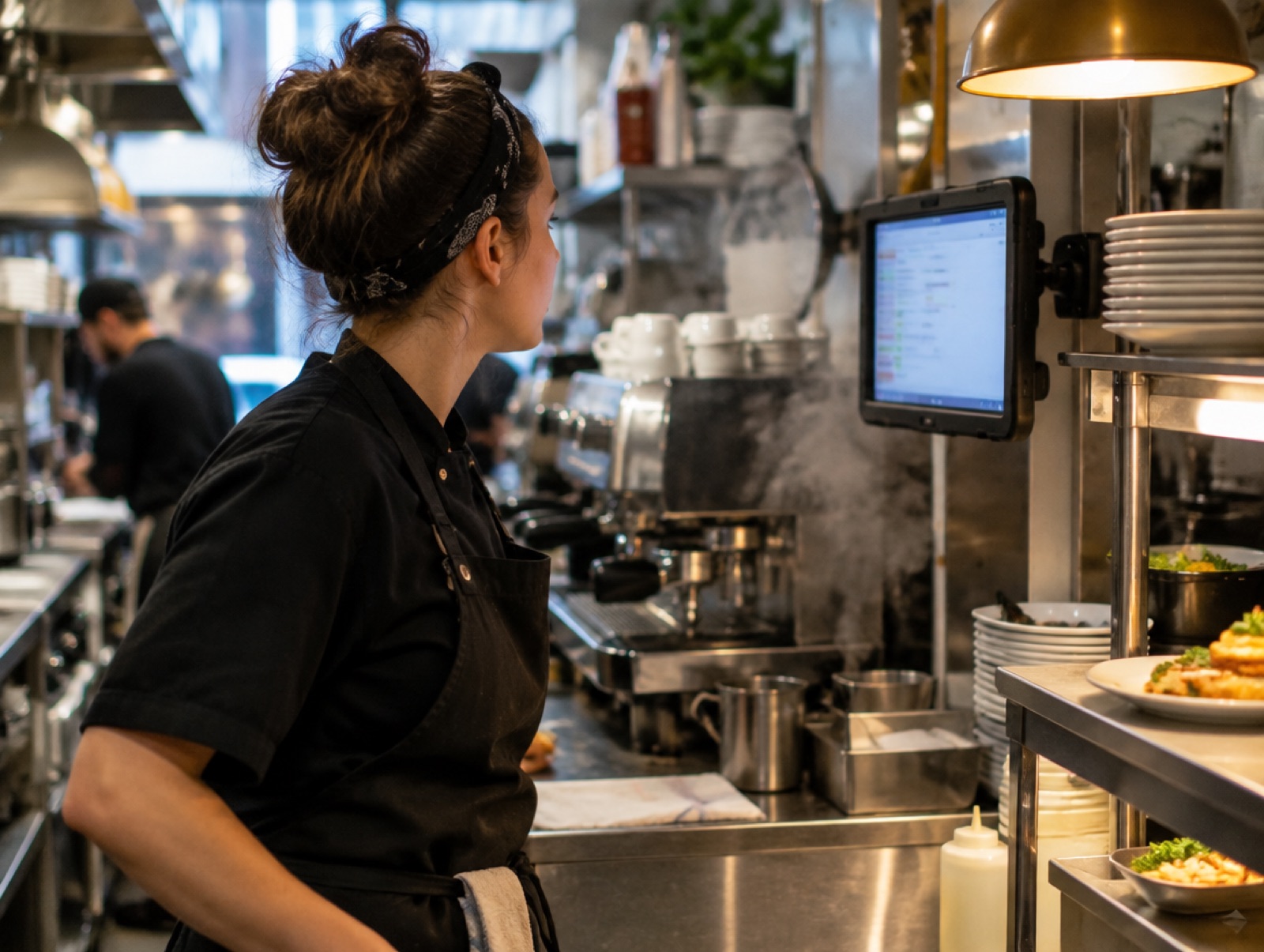
For the kitchen and reception
Every order on one board, with the table number.
New, preparing, served. A sound on each new order, and a history you can check later. Works on any tablet, no login needed.
- Accept, serve and close in one tap
- Notes and options printed clearly per line
- Daily order history and totals
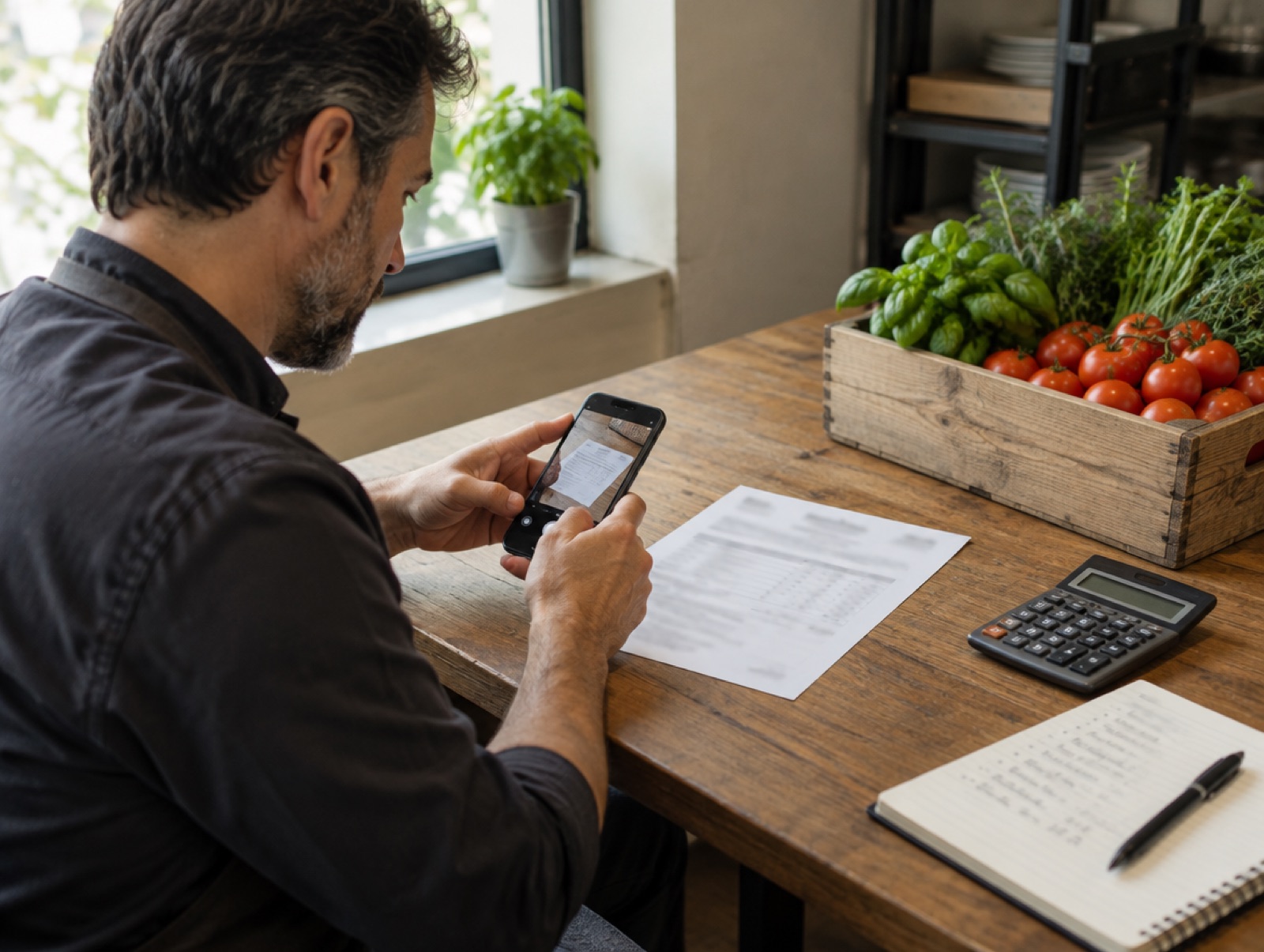
For the owner
Photograph the invoice. Your margins update.
Sofra reads supplier invoices, links lines to your ingredients, logs the purchase as an expense, and recosts every recipe that uses them.
- Food cost %, labour % and prime cost per month
- Theoretical vs actual cost to spot waste
- Monthly report your accountant can use
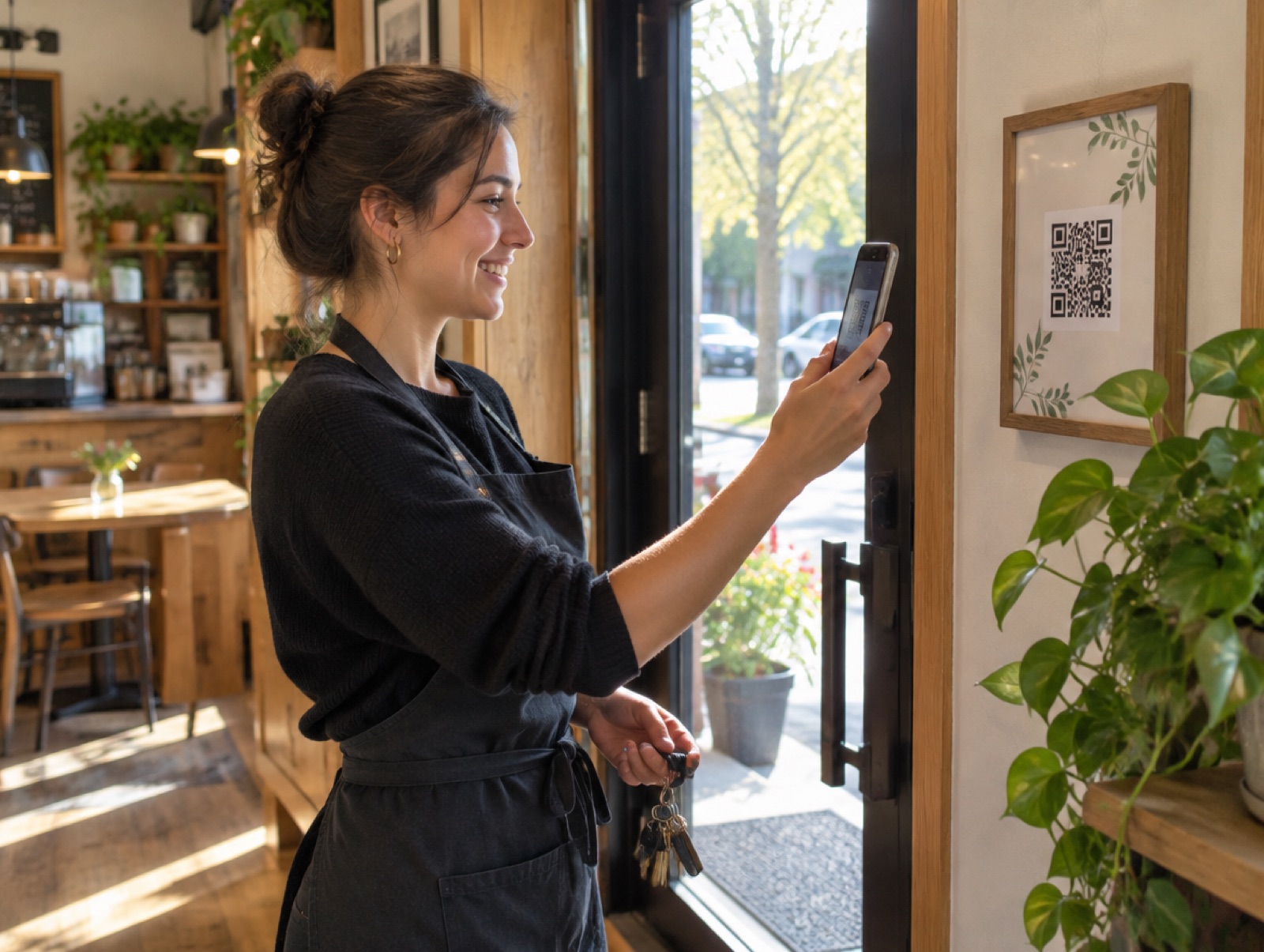
For the team
Clock in with a scan. Hours count themselves.
One QR poster by the door. The first scan of the day checks in, the next checks out. Managers fix forgotten clock-outs and see hours per person.
- Optional 4-digit PIN per person
- Hourly pay estimated per week and month
- Schedules and attendance side by side
Made for Lebanon, not adapted to it
Dual currency at your exchange rate, Arabic throughout, Omega POS exports understood out of the box, and Beirut time on every record.
Currencies
LBP + USD
Languages
عربي + English
POS
Omega & Excel exports
Setup
We import your menu
Up and running in a week
You don't start from a blank screen. We bring your menu, ingredients and recipes in for you.
- 1
We set you up
Send your menu as a PDF, photos or your POS export. We import items, recipes and suppliers and set your exchange rate.
- 2
Your team scans
Print the QR posters: one by the door for the time clock, one per table for ordering. Upload the POS export once a day.
- 3
You see the numbers
Food cost, labour, margins and what to order, every morning. Ask Claude in plain words whenever you want a detail.
Get started
Request a demo
Tell us about your place and we'll get back to you on WhatsApp or email within a day.
- A 20-minute walkthrough on your own menu
- Honest advice on whether Sofra fits
- No commitment, no card